UX Pilot
A browser-based AI design tool that generates wireframes, mockups, and complete UX flows from a text prompt, with Figma export and GitHub code sync.
Pros
- Fast from concept to something shareable, genuinely useful when you're under the gun
- Figma integration
Cons
- Visual output feels generic with limited range
- Fine-tuning eats through credits fast
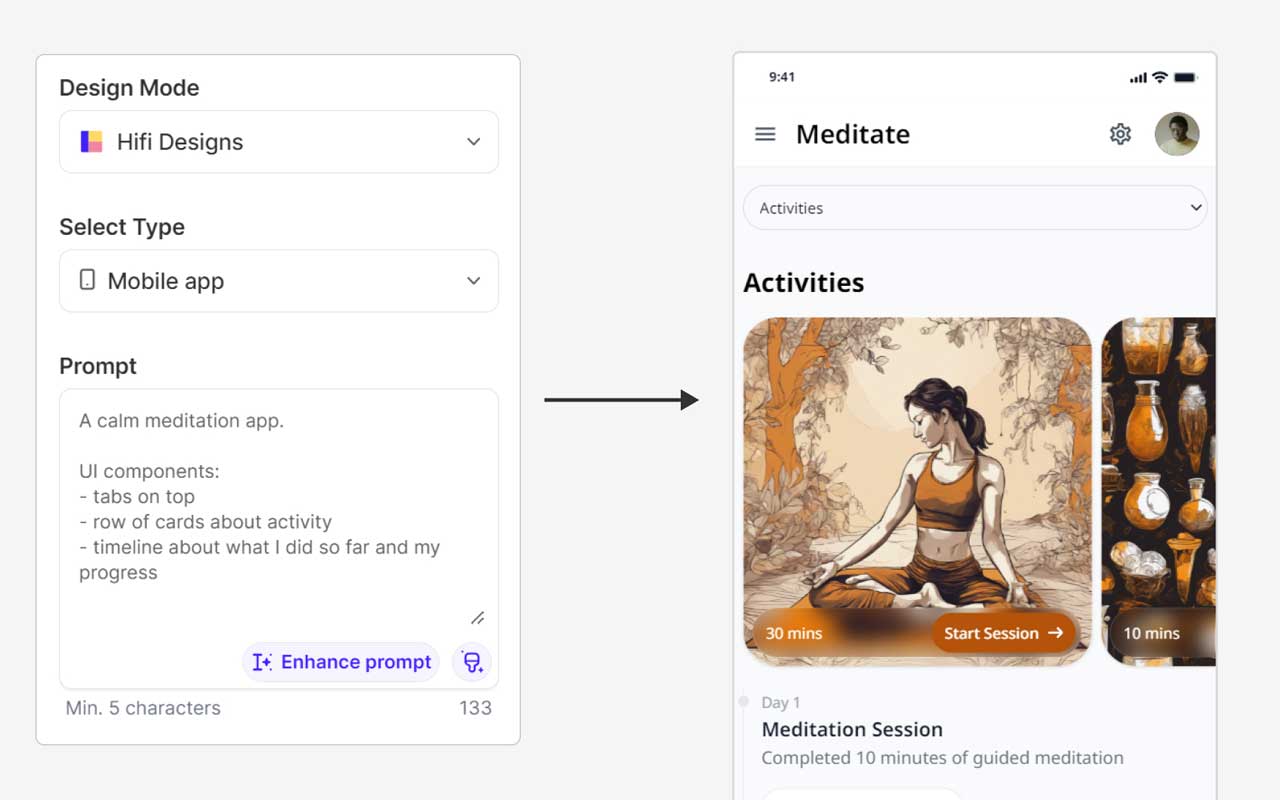
You’ve been staring at a blank canvas for three days and now the pressure’s on to show progress by end of day. UX Pilot is built for exactly that situation. It’s an AI UI design tool that takes a text prompt, sketch, screenshot, or PRD and spits out structured wireframes and polished mockups in seconds. The idea is simple. Get from concept to something shareable without the usual grind.
The platform runs a few different AI models depending on what the moment calls for. Blitz handles quick layouts for live calls and fast proofs. Deep AI focuses on UX hierarchy and quality when the output actually has to hold up. The AI wireframe generator covers everything from rough flows to full UX journey mapping across every screen. Figma integration means what you build in UX Pilot flows straight into your team’s existing workflow, and clean code can push directly to GitHub. Import your own Figma components to keep UI prototyping on-brand rather than starting from a generic template. There’s a free plan and the paid tiers are decently priced.
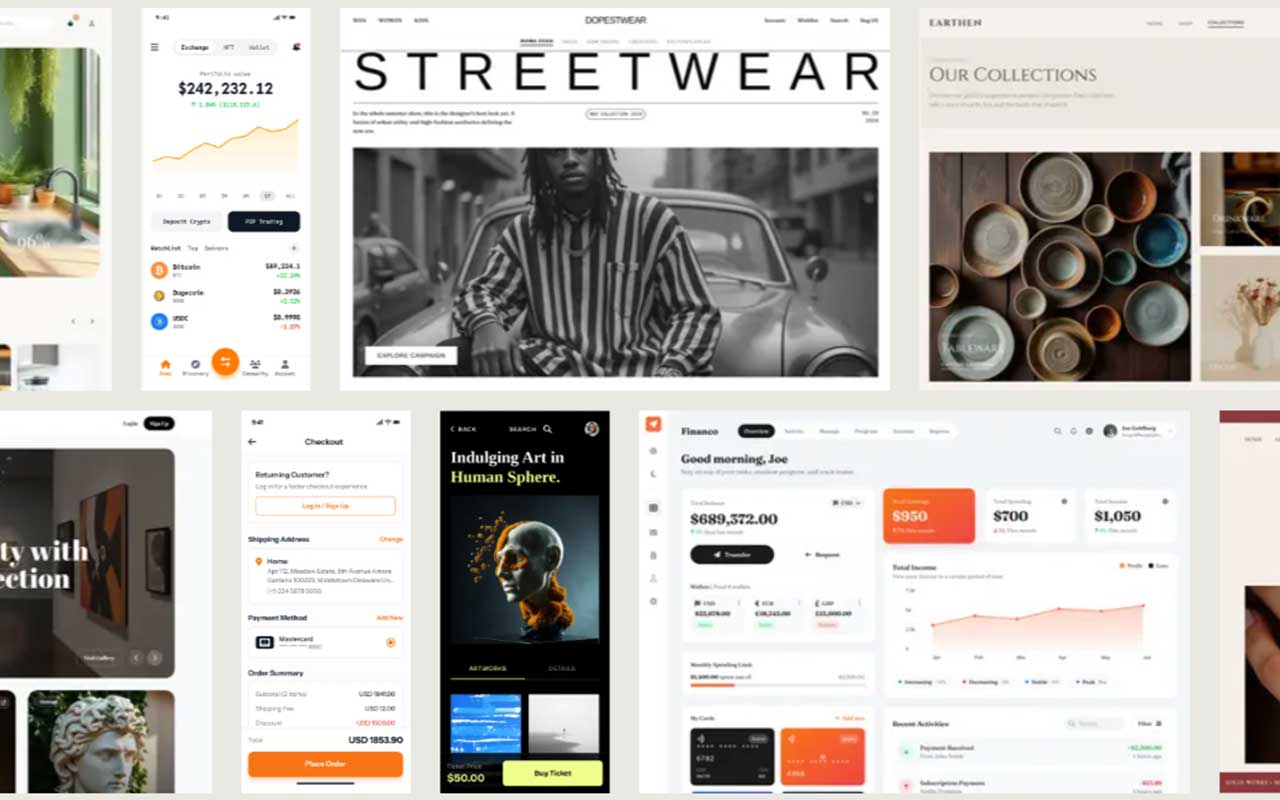
A few things worth knowing going in. The visual output leans generic, same color palettes, familiar layouts, not a lot of creative range. Fine-tuning after generation burns through credits fast, which gets old. And Figma exports don’t carry over actual design system components, so some structural cleanup is still on you. It’s genuinely fast at getting from zero to something workable and the tool keeps improving. Just treat the output as a starting point and you’ll get a lot out of it.

More
UI + UX Tools
Checklist Design
A tidy set of design checklists to make sure you are on the right track regarding your project. Copyable checks for pages, components, flows, plus a Figma starter kit.
Octopus.do
Visual sitemap and content planning tool built for fast, collaborative website mapping directly in the browser with export and sharing features.
Typetester
A quick, no-fuss tool for testing and comparing fonts side by side with live previews and real design control.
Smaply
Generate detailed customer journey maps and user personas with intuitive drag-and-drop tools.
Typescale
A typography design tool that aids in building and applying scalable type systems, equipped with features for direct CSS export.


Get a grip on your design resources and join our community
Membership Benefits
- Create 1 board
- Rate and suggest resources
- Save 10 resources
- Share your saved board with your team and network
- Access to curated boards
- Be the first to discover new tools, trends, and insider perspectives

Save this resource to a board.
Before saving a resource a board needs to be created.
Save to favorites.
Add to my list.
Name your new board:
Edit Board
Share or Delete Board
Are you sure you want to delete this Board?
Delete from my favorites.Are you sure you want to delete this Resource?
Remove from this board.Suggest a resource, report a broken or expired link.
Send We See Giants a message.
Free Membership
Current Membership
Save your favorite resources to your personal board for quick access and easy referencing.
- Create 1 board
- Save 10 resources
- Share your saved board with your team and network
- Rate and suggest resources
- Access to curated boards
- Be the first to discover new tools, trends, and insider perspectives
Already have an account? LOGIN