WordPress
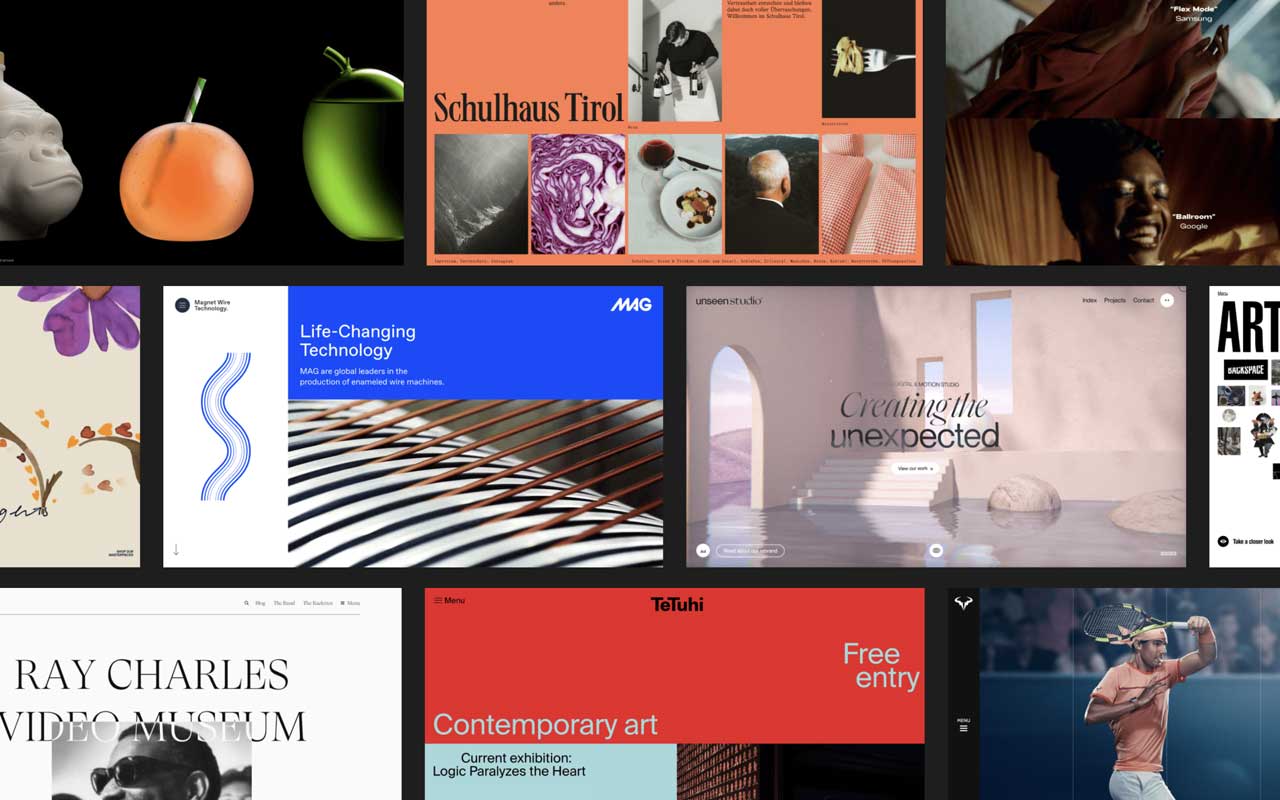
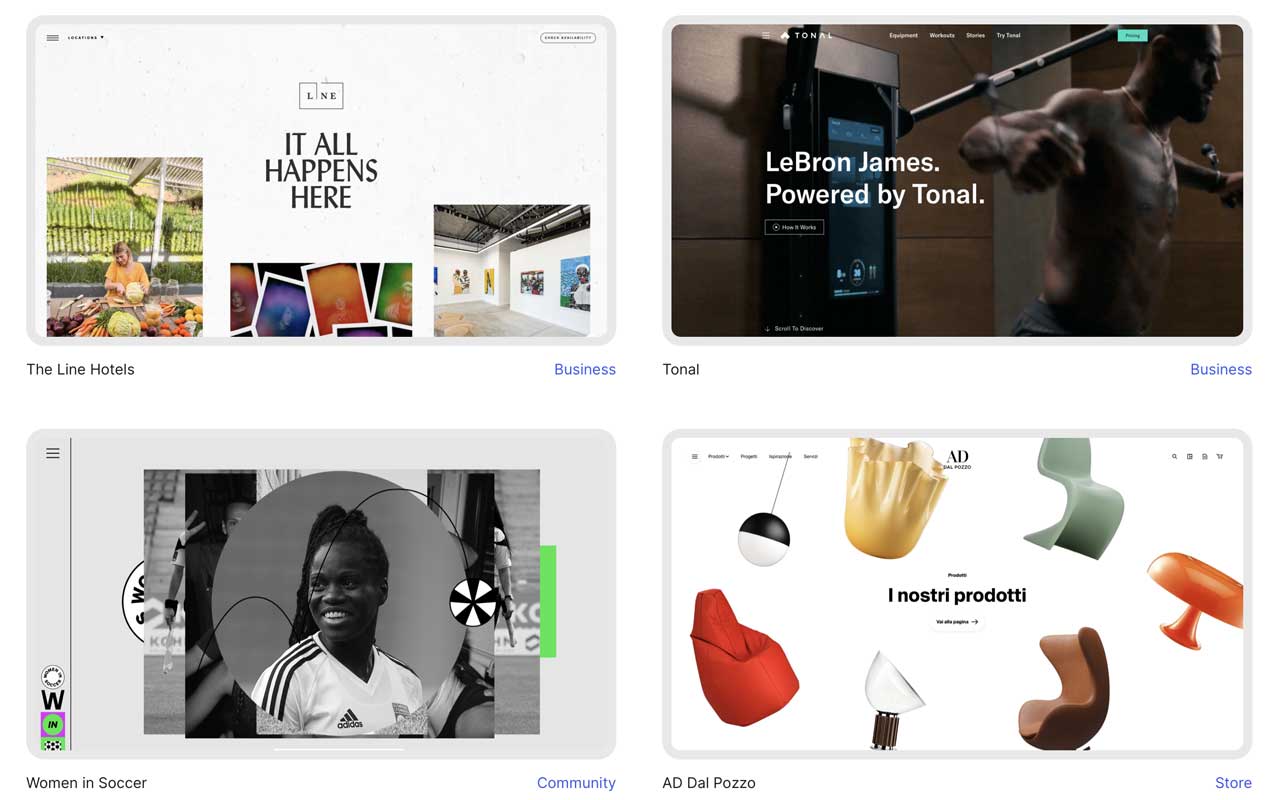
Open source CMS that gives you design ownership: custom themes, page builders, massive plugin ecosystem, WooCommerce support, and flexible hosting choices.
Pros
- The go-to CMS
- Massive plug-in library
- Beginner-friendly and easy to get started
- Highly modular
Cons
- You still need a developer to create decent sites
- Less secure for ecommerce than some of the other competitors
- Security breaches through plug-ins
WordPress still pays the bills because it gives you ownership and flexibility you actually use. You can spin up a site, swap a theme, or build a custom template and control every detail of typography, spacing, and interaction. The ecosystem hands you mature solutions for SEO, forms, memberships, and commerce through plugins and integrations, so you rarely have to invent basic features.
For production work the platform scales cleanly. You can self host if you want full control or pick a managed host to outsource updates and backups. WooCommerce turns a site into a proper store that can grow with your needs. APIs and plugins let you connect headless pieces or bespoke services when a project needs something custom.
With control comes maintenance. You manage updates, security, and performance unless you pay for managed ops. Plugins can add bloat, so curate what you install and keep the stack tight. Do that and WordPress becomes the practical, long game platform for portfolios, editorial platforms, shops, and projects that must scale.

More
CMS + Website Builders
Nectarblocks
A lightweight visual site builder that extends the native WordPress block editor with design blocks, dynamic content, and performance-minded tooling.
Super
Notion page to website tool that converts Notion content into fast, SEO optimized sites with templates, custom domain support, a drag and drop builder and style options.
Carbonmade
A no-fuss portfolio builder that lets you focus on showing your work with simple tools and polished layouts that don’t get in the way.
Format
A clean portfolio builder that lets you show off your work, send files to clients, and stay in control without juggling multiple tools.
Readymag
A browser-based design tool for building custom web layouts without code, built with designers in mind.


Get a grip on your design
resources and join our community
Free Membership
Current Membership
Save your favorite resources to your personal board for quick access and easy referencing.
- Create 1 board
- Save 10 resources
- Share your saved board with your team and network
- Rate and suggest resources
- Access to curated boards
- Be the first to discover new tools, trends, and insider perspectives
Premium Membership
Save your favorite resources to your personal board for quick access and easy referencing
- Create 50 boards
- Save 50 resources per board
- Share your saved board with your team and network
- Rate and suggest resources
- Access to curated boards
- Be the first to discover new tools, trends, and insider perspectives

Save this resource to a board.
Before saving a resource a board needs to be created.
Save to favorites.
Add to my list.
Name your new board:
Edit Board
Share or Delete Board
Are you sure you want to delete this Board?
Delete from my favorites.Are you sure you want to delete this Resource?
Remove from this board.Suggest a resource, report a broken or expired link.
Send We See Giants a message.
Free Membership
Current Membership
Save your favorite resources to your personal board for quick access and easy referencing.
- Create 1 board
- Save 10 resources
- Share your saved board with your team and network
- Rate and suggest resources
- Access to curated boards
- Be the first to discover new tools, trends, and insider perspectives
Already have an account? LOGIN