Readymag
A browser-based design tool for building custom web layouts without code, built with designers in mind.
Pros
- Easy workflow with intuitive drag-and-drop interface
- Rich interactive features & animations
Cons
- Not for big and complex sites
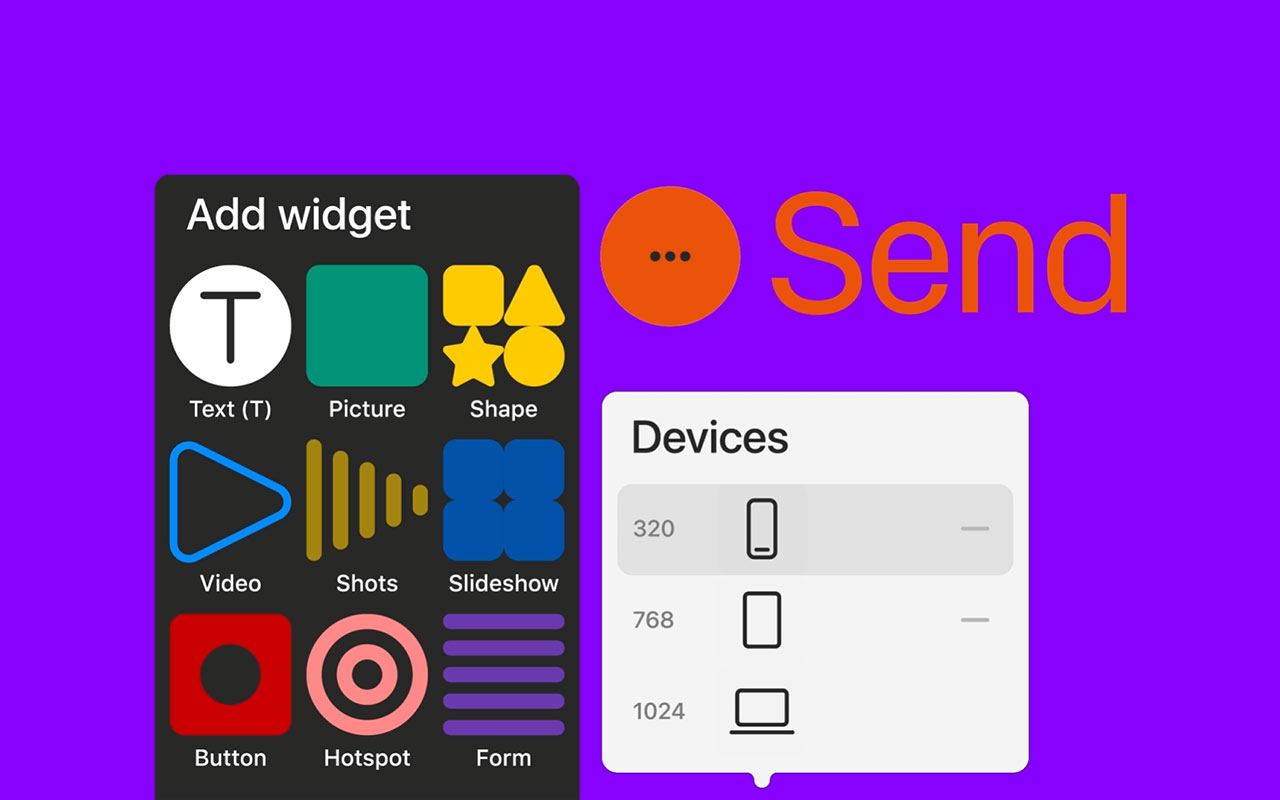
Readymag lets you design websites, microsites, presentations, and other web-based layouts without touching code. The interface feels more like InDesign than Webflow, which is a plus if you’re coming from a print or editorial background. You get full control over type, layout, animation, and interactivity, and it’s all done in the browser.
This isn’t a template-first tool. You start with a blank canvas and build what you want. If you’ve ever felt boxed in by rigid layout systems or fought with CMS templates just to get something to look right, Readymag feels like a breath of fresh air. Type handling is solid, layering and animation are fluid, and it’s easy to add scroll effects or interactions without writing a line of code.
There are limits. It’s not built for complex sites or scalable systems. It works best for standalone pages like portfolios, pitch decks, digital editorials, or branded presentations. You might run into performance issues with heavier builds, and while it does support responsive layouts, you’ll need to handle breakpoints manually.
Still, if you’re a designer who wants to build web pages without passing things off to a dev or hacking through portfolio platforms, Readymag gives you creative control with minimal friction.


More
CMS + Website Builders
Nectarblocks
A lightweight visual site builder that extends the native WordPress block editor with design blocks, dynamic content, and performance-minded tooling.
WordPress
Open source CMS that gives you design ownership: custom themes, page builders, massive plugin ecosystem, WooCommerce support, and flexible hosting choices.
Super
Notion page to website tool that converts Notion content into fast, SEO optimized sites with templates, custom domain support, a drag and drop builder and style options.
Carbonmade
A no-fuss portfolio builder that lets you focus on showing your work with simple tools and polished layouts that don’t get in the way.
Format
A clean portfolio builder that lets you show off your work, send files to clients, and stay in control without juggling multiple tools.


Get a grip on your design
resources and join our community
Free Membership
Current Membership
Save your favorite resources to your personal board for quick access and easy referencing.
- Create 1 board
- Save 10 resources
- Share your saved board with your team and network
- Rate and suggest resources
- Access to curated boards
- Be the first to discover new tools, trends, and insider perspectives
Premium Membership
Save your favorite resources to your personal board for quick access and easy referencing
- Create 50 boards
- Save 50 resources per board
- Share your saved board with your team and network
- Rate and suggest resources
- Access to curated boards
- Be the first to discover new tools, trends, and insider perspectives

Save this resource to a board.
Before saving a resource a board needs to be created.
Save to favorites.
Add to my list.
Name your new board:
Edit Board
Share or Delete Board
Are you sure you want to delete this Board?
Delete from my favorites.Are you sure you want to delete this Resource?
Remove from this board.Suggest a resource, report a broken or expired link.
Send We See Giants a message.
Free Membership
Current Membership
Save your favorite resources to your personal board for quick access and easy referencing.
- Create 1 board
- Save 10 resources
- Share your saved board with your team and network
- Rate and suggest resources
- Access to curated boards
- Be the first to discover new tools, trends, and insider perspectives
Already have an account? LOGIN