Ezgif
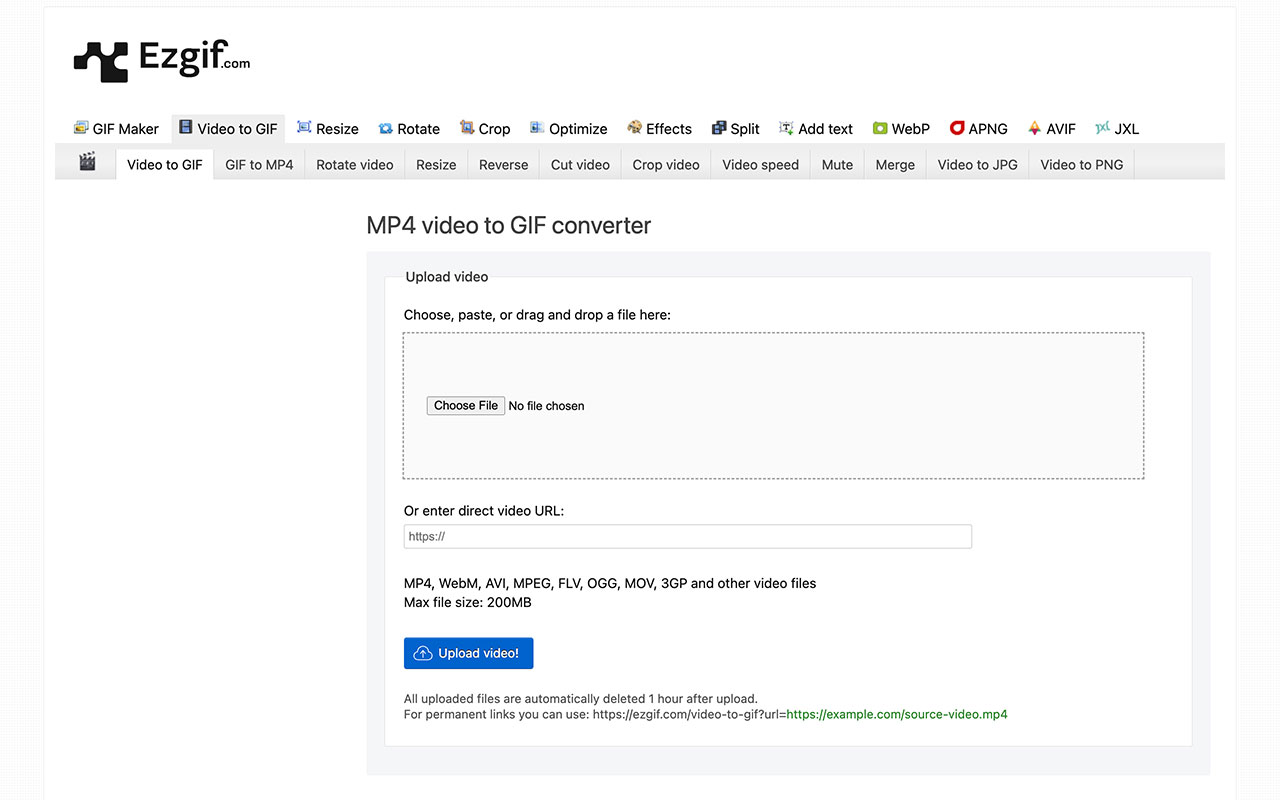
Browser toolkit for quick GIF and small video edits: convert video to GIF, crop, resize, optimize and add simple effects with live previews and fast exports.
Pros
- Can convert many different image formats with no daily limits
- The site looks dated and bare-bones but it gets the job done
Cons
- May not work with larger files due to the max file size
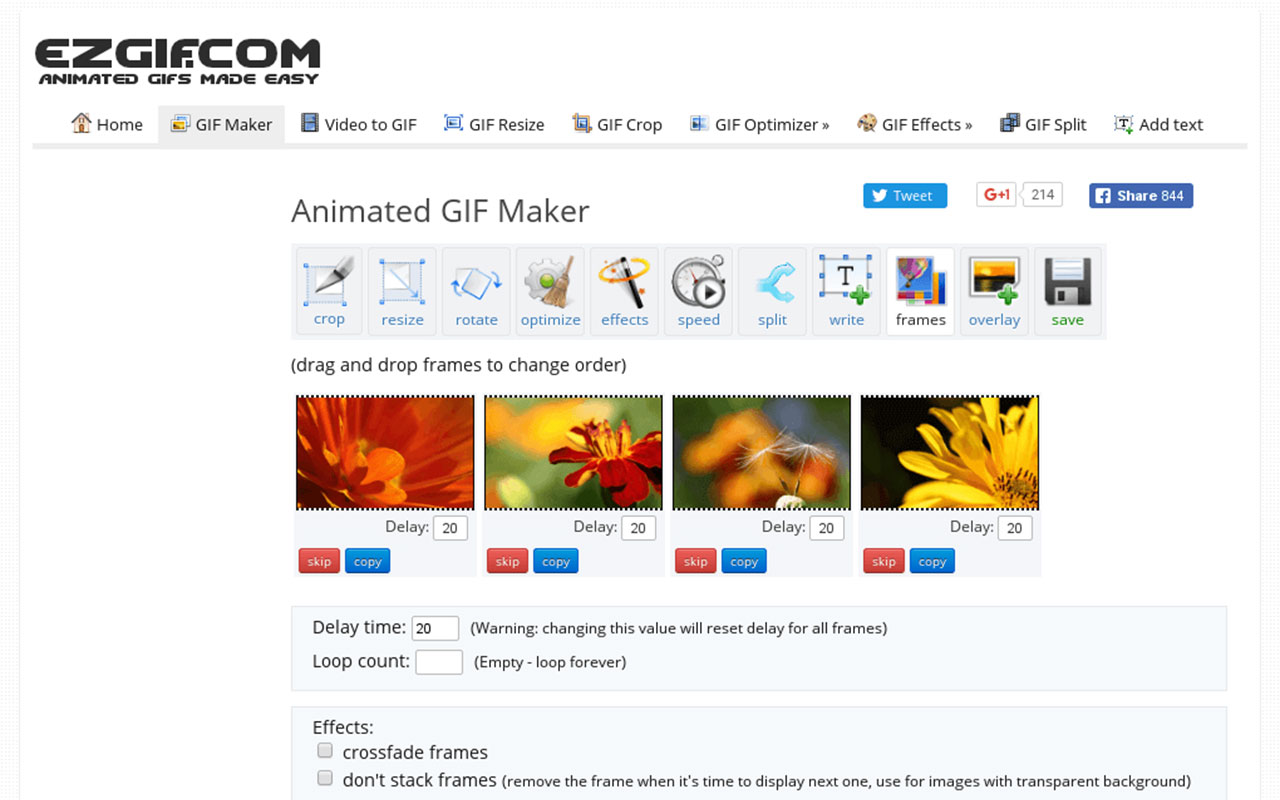
Ezgif is the go-to quick tool for making and fixing animated images when you do not want to boot a heavyweight editor. The site bundles a GIF Maker, Video to GIF converters, resizers, optimizers and a decent Effects set so you can crop, speed up, reverse, or add text without fuss. It is browser based, free, and lets you get a usable asset in minutes.
What makes Ezgif useful day to day is the raw practicality. You upload a clip or images, pick a tool, tweak frame rate or size, and export. The optimizer trims file weight and the resize tools are dead simple for email, social or quick demos. There is no sign-up nonsense and the privacy page states uploads are deleted after about an hour, which matters when you are working with client snaps. It’s reliable for quick fixes, though there are the occasional glitch.
It is not a replacement for proper video editors or motion suites. Expect limits on file size and advanced editing, an interface that feels utilitarian, and occasional quirks with certain formats or downloads. For conceptual comps, social clips, or last-minute tweaks where you need to convert, optimize or add a simple effect, Ezgif does the job fast.

More
Photo + Video Tools
Loom
Quick screen and camera recordings for async video messages, team feedback, and client walkthroughs with basic editing and wide integrations.
Affinity
A pro-grade toolkit for seamless graphic design, photo editing and publishing across devices, now available as a free.
ImageOptim
Simple Mac app for compressing images and stripping all metadata, making files lighter, faster, and cleaner for web use or sharing.
Adobe Creative Cloud
A comprehensive suite of creative software with advanced design tools and time-saving generative AI features.
Image Extractor
Easily download images from websites with this straightforward tool, designed for quick and simple content extraction.


Get a grip on your design
resources and join our community
Free Membership
Current Membership
Save your favorite resources to your personal board for quick access and easy referencing.
- Create 1 board
- Save 10 resources
- Share your saved board with your team and network
- Rate and suggest resources
- Access to curated boards
- Be the first to discover new tools, trends, and insider perspectives
Premium Membership
Save your favorite resources to your personal board for quick access and easy referencing
- Create 50 boards
- Save 50 resources per board
- Share your saved board with your team and network
- Rate and suggest resources
- Access to curated boards
- Be the first to discover new tools, trends, and insider perspectives

Save this resource to a board.
Before saving a resource a board needs to be created.
Save to favorites.
Add to my list.
Name your new board:
Edit Board
Share or Delete Board
Are you sure you want to delete this Board?
Delete from my favorites.Are you sure you want to delete this Resource?
Remove from this board.Suggest a resource, report a broken or expired link.
Send We See Giants a message.
Free Membership
Current Membership
Save your favorite resources to your personal board for quick access and easy referencing.
- Create 1 board
- Save 10 resources
- Share your saved board with your team and network
- Rate and suggest resources
- Access to curated boards
- Be the first to discover new tools, trends, and insider perspectives
Already have an account? LOGIN