Mixboard
AI concepting board that turns prompts and images into visual moodboards, palettes and rough presentations for quick idea play and iteration.
Pros
- Turn a concept from text into a visual mood board in seconds
- Refine visuals and boards using simple, conversational commands
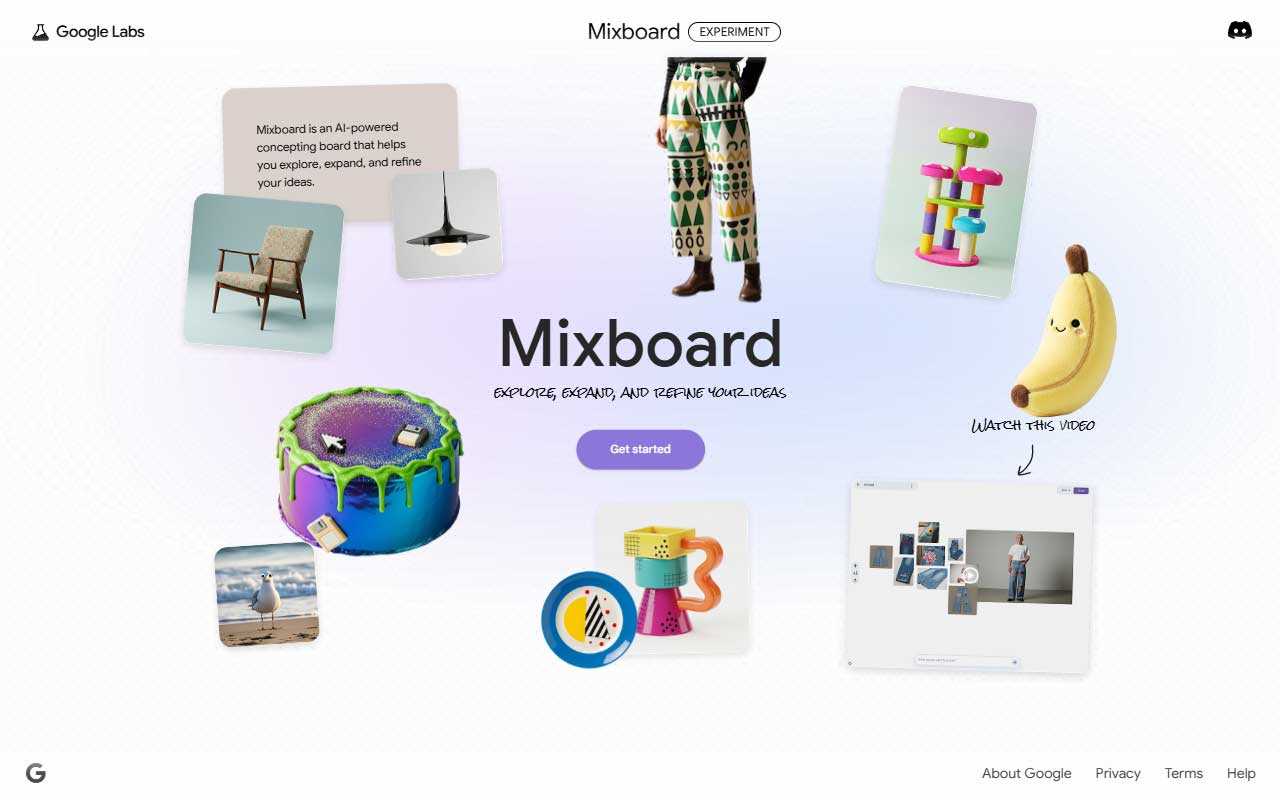
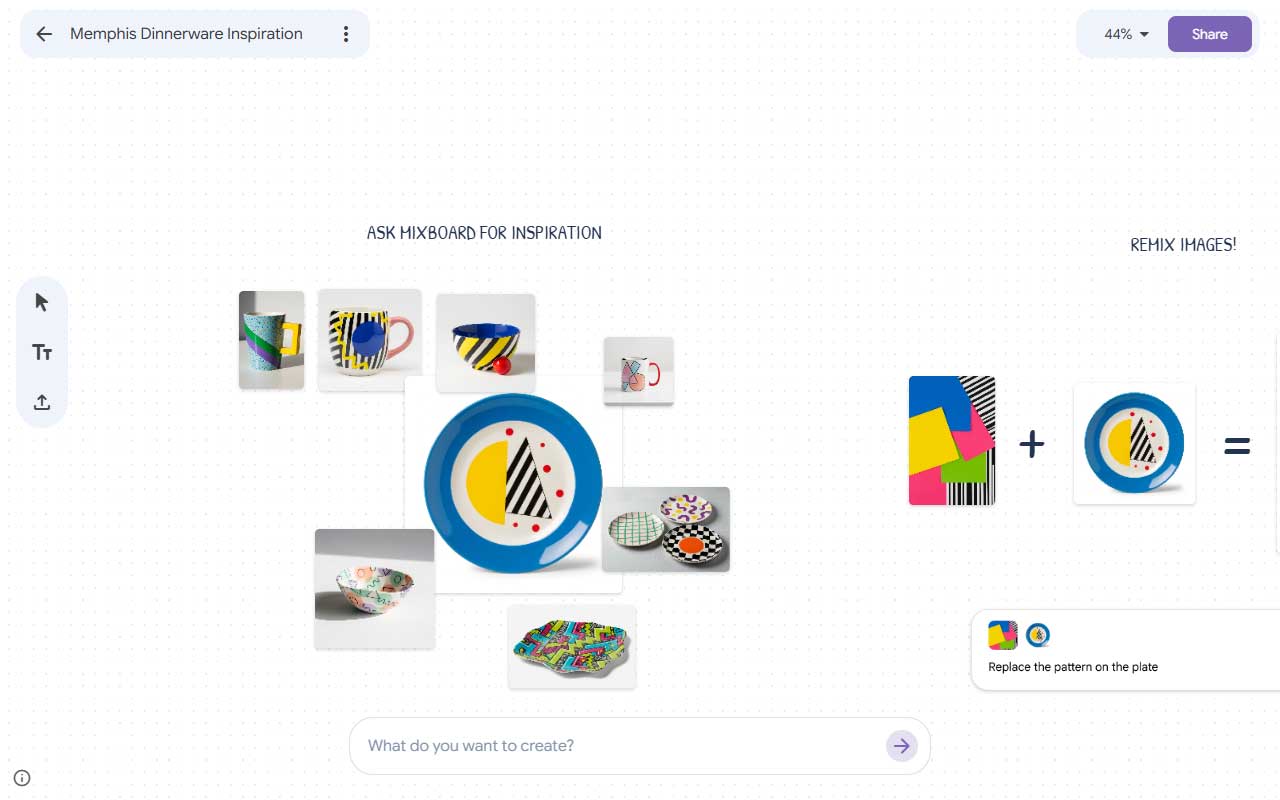
Mixboard is Google’s AI concepting board for when ideas need visuals fast. It turns text prompts and uploaded images into moodboards, themed palettes, layout suggestions and simple copy so rough thinking looks and reads like a real direction. That makes it useful in early concept work where visuals accelerate decisions instead of slowing them down.
At the core is generative AI powered by Google’s Gemini family and the Nano Banana image model, which drives image generation, quick edits and a one-click regenerate flow. Mixboard gives you preset styles, the ability to re-prompt or nudge an image, and now can even stitch boards into presentation slides using Nano Banana Pro for cleaner output. It is designed as an ideation first tool rather than a pixel perfect editor.
The win is speed and variety. Mixboard helps unblock visual brainstorming, surfaces unexpected directions, and reduces the friction of assembling references. It is not a replacement for careful art direction or final comps, and the generative choices will need editing to match a tight brand voice. Use it to explore, expand and refine early concepts, then take the good bits into your usual design tools and tighten them up.

More
Brainstorming + Whiteboarding
Milanote
Visual planning app that lets you lay out your ideas, notes, and assets in a format that feels more like your brain than a spreadsheet.
Untools
A collection of thinking tools and frameworks that help you break down complex problems and make smarter, more structured decisions.
Mural
An online collaboration platform that enables users to create, share, and collaborate on ideas in real-time.
Miro
Miro is your online whiteboard on steroids, letting teams brainstorm, plan, and create visually, in real-time, no matter where they are. Think sticky notes, flowcharts, mind maps, and more—all on a digital canvas.


Get a grip on your design resources and join our community
Membership Benefits
- Create 1 board
- Rate and suggest resources
- Save 10 resources
- Share your saved board with your team and network
- Access to curated boards
- Be the first to discover new tools, trends, and insider perspectives

Save this resource to a board.
Before saving a resource a board needs to be created.
Save to favorites.
Add to my list.
Name your new board:
Edit Board
Share or Delete Board
Are you sure you want to delete this Board?
Delete from my favorites.Are you sure you want to delete this Resource?
Remove from this board.Suggest a resource, report a broken or expired link.
Send We See Giants a message.
Free Membership
Current Membership
Save your favorite resources to your personal board for quick access and easy referencing.
- Create 1 board
- Save 10 resources
- Share your saved board with your team and network
- Rate and suggest resources
- Access to curated boards
- Be the first to discover new tools, trends, and insider perspectives
Already have an account? LOGIN