ImageOptim
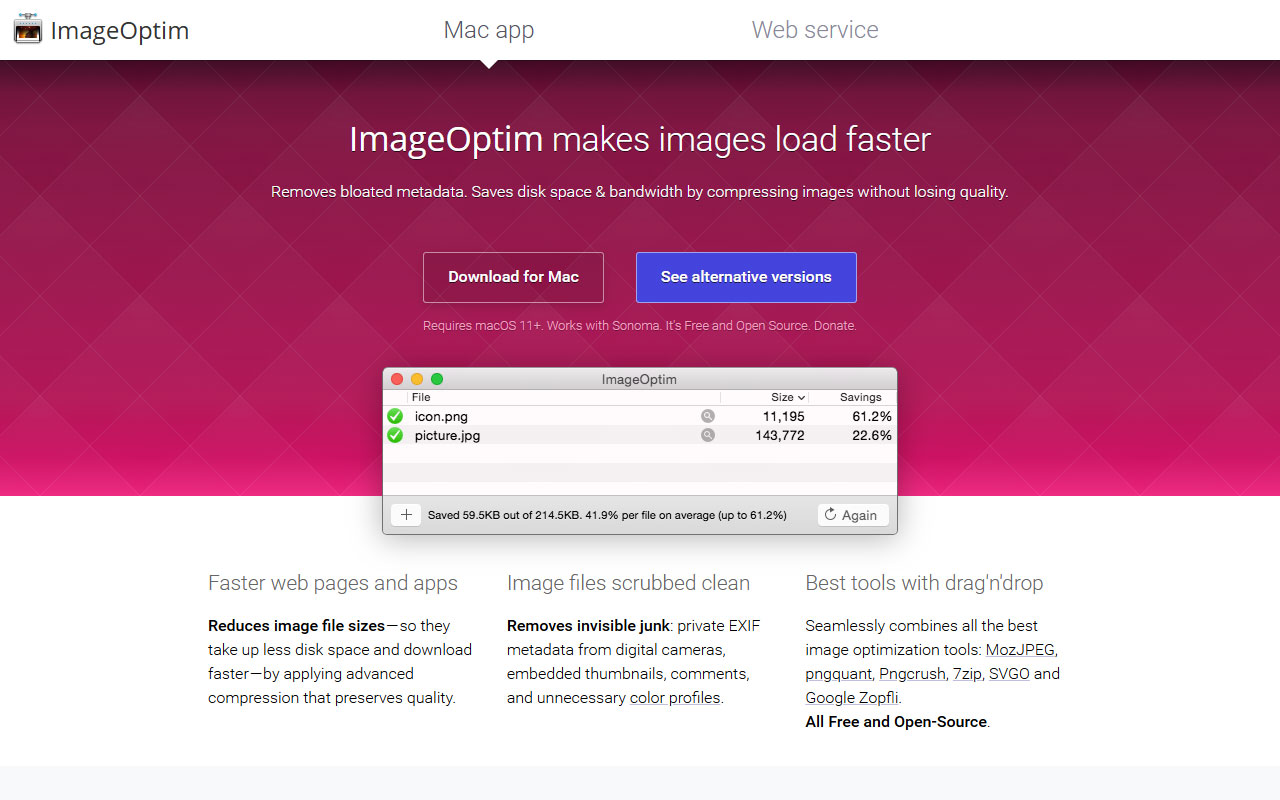
Simple Mac app for compressing images and stripping all metadata, making files lighter, faster, and cleaner for web use or sharing.
Pros
- Removes the metadata
- Super fast and easy drag-and-drop workflow
Cons
- Mac only app, however there are links to alternatives
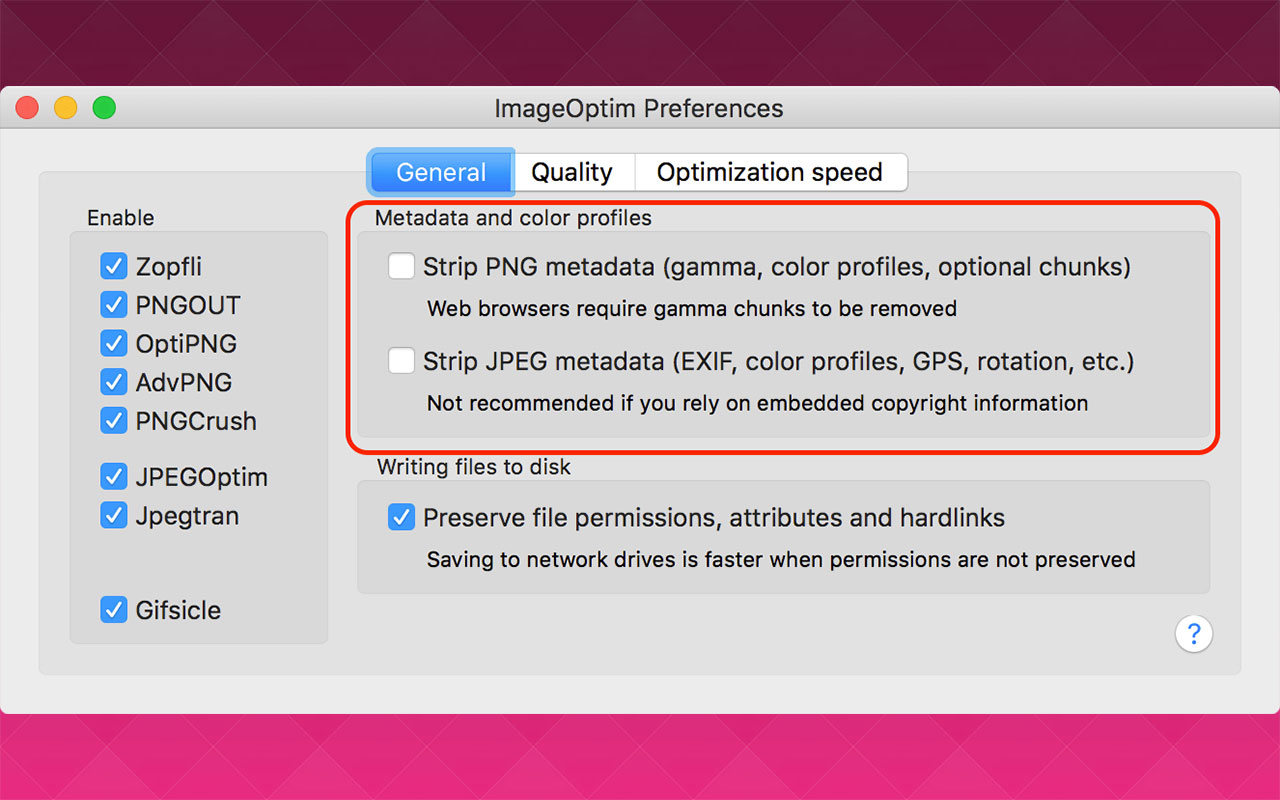
ImageOptim is one of those rare tools that quietly earns a permanent spot in every designer’s workflow. It’s a dead simple Mac app that compresses image files without wrecking quality, but the real power move is its ability to strip out all metadata from your images. Stuff like location data, camera settings, app signatures, even AI-generated tags — gone.
This is especially useful if you’re working with Adobe’s generative AI tools or any other image-generation platform that embeds metadata by default. Whether you’re sending assets to clients, uploading to a website, or handing off files for production, ImageOptim makes sure your files are clean, fast-loading, and free of any hidden data trails.
The workflow couldn’t be easier. Drag and drop your images into the app — JPG, PNG, SVG, GIF, WebP — and it overwrites the originals with smaller, privacy-safe versions. No settings to fiddle with. No pop-ups or ads. It just works. For designers who care about performance, privacy, and clean file handoff, ImageOptim is a no-brainer, especially cause it’s free.

More
Photo + Video Tools
Loom
Quick screen and camera recordings for async video messages, team feedback, and client walkthroughs with basic editing and wide integrations.
Affinity
A pro-grade toolkit for seamless graphic design, photo editing and publishing across devices, now available as a free.
Ezgif
Browser toolkit for quick GIF and small video edits: convert video to GIF, crop, resize, optimize and add simple effects with live previews and fast exports.
Adobe Creative Cloud
A comprehensive suite of creative software with advanced design tools and time-saving generative AI features.
Image Extractor
Easily download images from websites with this straightforward tool, designed for quick and simple content extraction.


Get a grip on your design resources and join our community
Membership Benefits
- Create 1 board
- Rate and suggest resources
- Save 10 resources
- Share your saved board with your team and network
- Access to curated boards
- Be the first to discover new tools, trends, and insider perspectives

Save this resource to a board.
Before saving a resource a board needs to be created.
Save to favorites.
Add to my list.
Name your new board:
Edit Board
Share or Delete Board
Are you sure you want to delete this Board?
Delete from my favorites.Are you sure you want to delete this Resource?
Remove from this board.Suggest a resource, report a broken or expired link.
Send We See Giants a message.
Free Membership
Current Membership
Save your favorite resources to your personal board for quick access and easy referencing.
- Create 1 board
- Save 10 resources
- Share your saved board with your team and network
- Rate and suggest resources
- Access to curated boards
- Be the first to discover new tools, trends, and insider perspectives
Already have an account? LOGIN